
A private journal, spoken
Tell the day.
Keep the life.
Two minutes out loud. By morning, your day is written, private, clear, and yours to return to.
No account to begin · Encrypted on your device


Shipped the project, and Marco called after two years
The day started badly and straightened out at six. Work is done; what stays with me is that phone call.
A small ritual
Speak. Remember. Return.
Speak
Two minutes, out loud.
Remember
The day becomes a page.
Return
Your life, ready to revisit.
Your day
You talk. It writes.
When the two minutes are over, the day is already a page. Your words, put in order.
Shipped the project, and Marco called after two years
The day started badly and straightened out at six. Work is done; what stays with me is that phone call.
Headline and summary
A headline that remembers, two lines that tell.
The day's photos
From your camera roll, as thumbnails, next to the words.
Mood, energy, weight
The numbers you say out loud land in their boxes.
While you do something else
It is not a chore. It is a chat.
While you shave, while you wait for the water to boil. You talk, and it is written.


You talk, you don't fill in forms
Hold the button and tell it. Silence is not recorded. If you would rather write, you write.
Locked on your phone
Every day leaves already encrypted. Nobody can read it, not even the people who made the app.
Just open it
No account, no card, no ads. The AI is a gift for ten days.

Two minutes, before sleep.
No pen, no blank page. Just say how it went.
How it works
How does it work?
01
In the evening, you talk
Two minutes with the microphone held down. Or you write, if it is one of those evenings.
1:42
Listening
...they moved the meeting to Monday, which is fine. Then tonight, around nine, Marco called. Two years since we last spoke...
Hold. Let go when you are done.
02
It writes itself
Headline, summary, people, tasks. If a name is unclear, it asks.
Who is Marco?
"...Marco called. Two years since we last spoke..."
A friend from university
03
Read back whenever
The month, a single day, or the recap that arrives on its own.
The vault
Not even we can read your journal.
Every day is locked on your device, with the lock Safari and Chrome use. What reaches the server is an unreadable block: that is all we see too.
On your phonereadable
Shipped the project, and Marco called after two yearsThe day started badly and straightened out at six. Work is done; what stays with me is that phone call.
On the serverunreadable
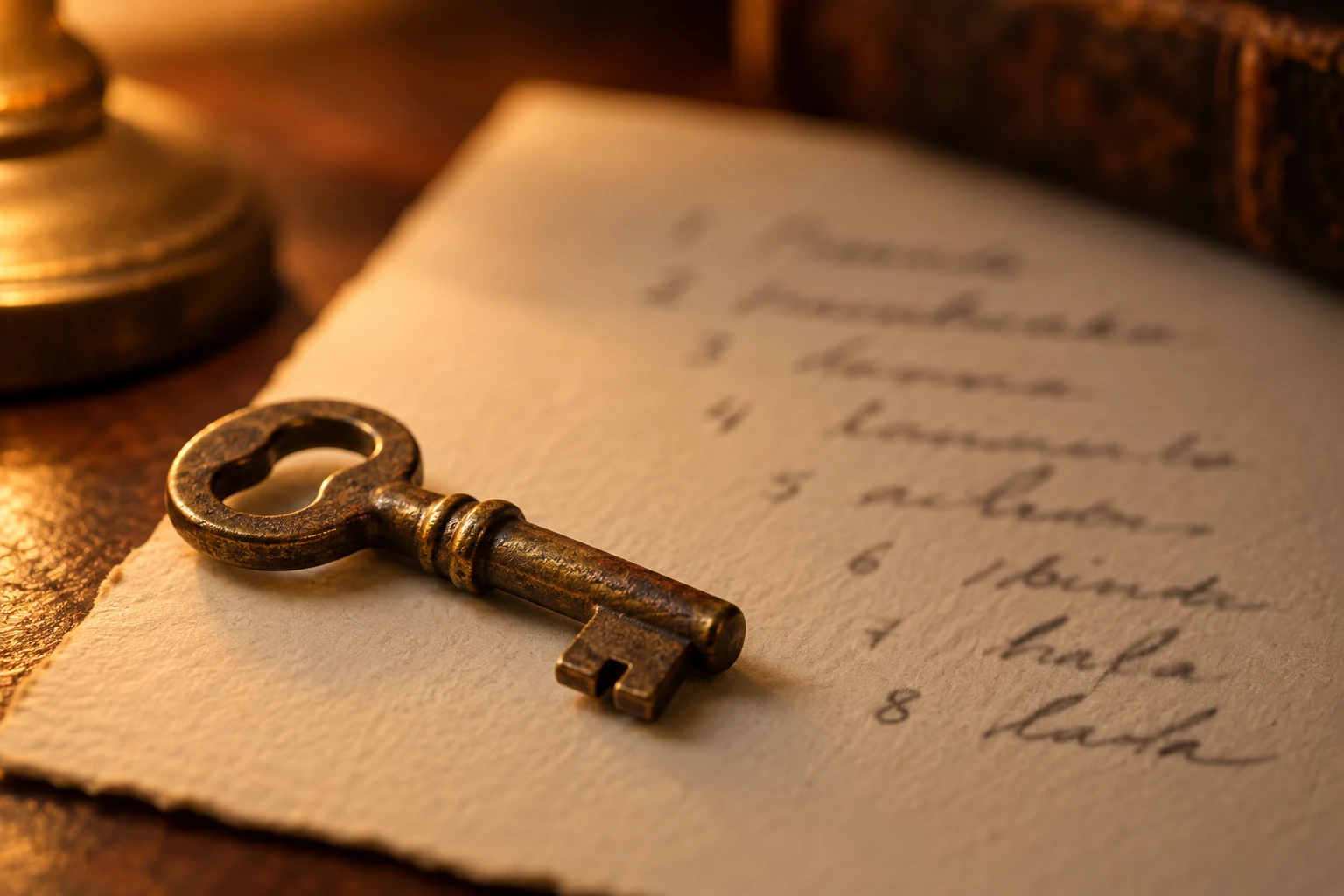
The key is eight words
You get them once and keep them with a screenshot. They travel in your iCloud Keychain.
No recovery
Lose the words and every device, and the journal is gone. Nobody can recover it: that is the point.
The AI reads only when you ask
The text leaves the device only when you ask the AI to work on it, and only for that: it goes through OpenAI's models to be transcribed and summarised, it is not stored and it is not used to train anything.
What is inside
Four screens, one book
Today: your day, told out loud
Hold the microphone and talk. At the end you fix names if needed, and the day is saved: headline, summary, areas, people, measures, goals. And the day's photos, from your camera roll.
See what it looks likeShipped the project, and Marco called after two years
The day started badly and straightened out at six. Work is done; what stays with me is that phone call.
Month: one line per day
One line per day on the phone, a grid on the computer. Full days open up, empty days stay empty without telling you off.
Go to the monthMemo: people, tasks, places, ideas
The things you mention while talking end up here by themselves. People also become the vocabulary of the transcription: your friends' names stop coming out wrong.
Open MemoRecap: the month, written like a chapter
End of month, end of half-year, end of year: a written text, not a list of statistics. It is there to remind you how you were, not how many times you went to the gym.
Read a recapFive themes, light and dark
Carta, Minimal, Macchina, Malva, Wine. The site follows the theme you chose in the app.
Italian and English
Also in what the AI writes: headline, summary, recaps.
How was your day? Com'e andata oggi?
How you start
Just open it.
No questions the first time. When you want to find your days on another device, we will ask for an email. No passwords, ever.
Guest
Open and talk
No account, no questions.
- Your days stay on the device
- The AI as a gift: ten days
- Write and read back, forever
Account
An email, a code
We ask you, after five days. No password.
- On the device and on the server, locked
- Find them on iPhone, iPad and computer
- The same AI gift
Premium
No limits
For those who tell every evening.
- Unlimited AI
- The month, half-year and year Recaps
- Automatic backup every nightcoming
When the gift ends, only the AI ends: writing, saving and reading back stay free, forever. No ads, ever.
Dayalogue for iPhone and iPad
On your phone, like an app.
Today it runs in the browser and installs on your Home screen like an app. The iPhone app is coming to the App Store.
From Safari: Share, then "Add to Home Screen"
Coming to theApp Store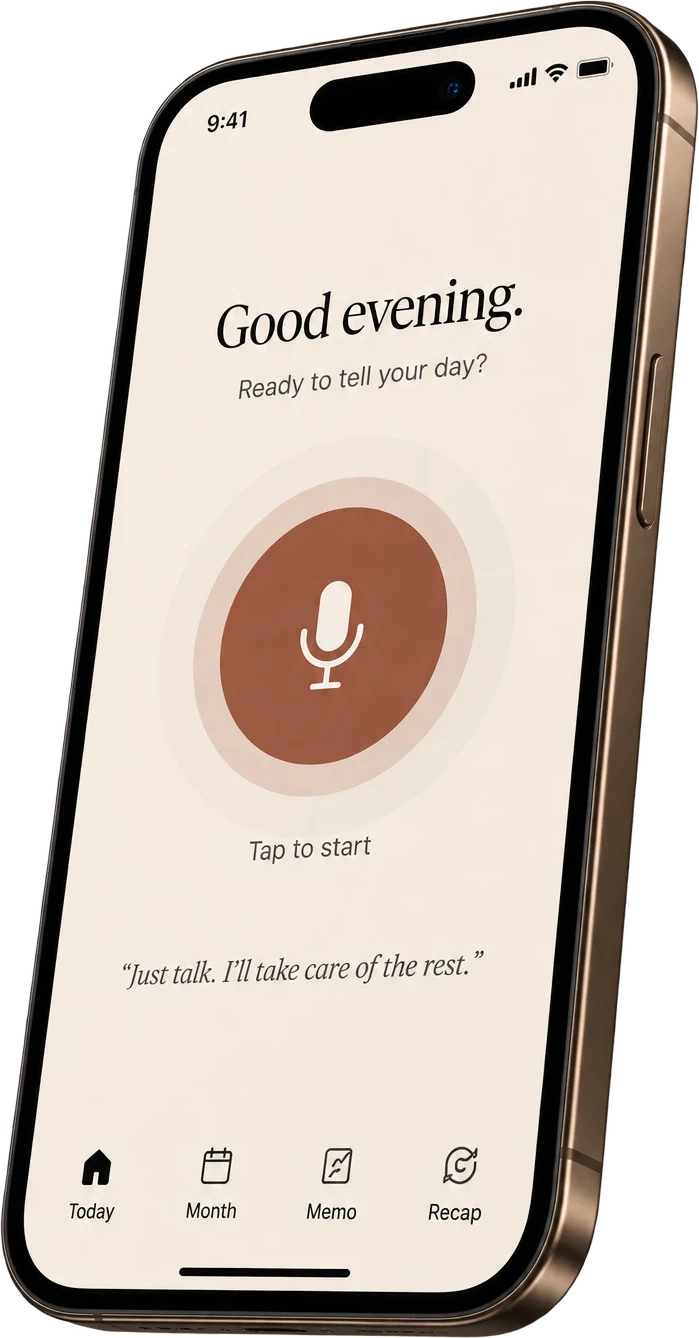
Questions
Frequently asked questions
Is Dayalogue free?
Writing, saving and reading back is free forever. The AI is a gift for ten days, then unlimited with premium.
Where do my days end up?
On your device. With an account also on the server, but locked before they leave: nobody can read them, not even us.
Who reads what I say?
No person. The text leaves the device only when you ask the AI to work on it: it goes through OpenAI's models to be transcribed and summarised, it is not stored and it is not used to train anything.
What if I lose my phone?
With an account and your eight words you get everything back elsewhere. Without them, it cannot be recovered: nobody has the key.
Can I take my data with me?
Yes, whenever: one file with everything, which you can re-import anywhere. And the account deletes from inside the app.
Is there an iPhone app?
The iPhone app is coming to the App Store, and that is where premium is switched on. But Dayalogue does not live only inside the app: it also runs in the browser, and installs on your Home screen as if it were one. The account is the same — with premium you sign in from any browser, on any device, and find the journal where you left it.